Disclosure: This page contains affiliate links. If you buy through them, I may earn a small commission at no extra cost to you. I only recommend gear I'd actually use.
Still deciding? Read: are standing desk converters worth it? Or see our converter vs. standing desk guide.
A full standing desk is a big, expensive piece of furniture — and on a small desk, there's simply nowhere to put one. A converter solves both problems: it sits on top of your existing desk and lifts your monitor and keyboard up when you want to stand, then drops back down when you want to sit. The trick on a small desk is finding one that's compact enough not to swallow your whole surface.
I focused this list on converters with smaller footprints, narrower widths, and designs that don't dominate a tight setup. These are the ones that actually make sense when desk space is limited.
Quick Comparison
| Converter | Style | Best For | Price Range |
|---|---|---|---|
| VIVO 25" Compact Converter | Gas spring, two-tier | Best all-around | $120–$150 |
| VIVO Ultra-Slim Riser | Flat single surface | Smallest footprint | $90–$110 |
| Nulaxy Laptop Riser | Mini, laptop-only | Tiny desks / laptops | $45–$60 |
| Electric Compact Converter | Motorized lift | Effortless adjusting | $180–$280 |
| Compact Sit-Stand Desk | All-in-one small desk | Replacing the desk | $160–$240 |
1. VIVO 25" Compact Standing Desk Converter — Best All-Around

VIVO 25" Compact Converter (DESK-V001G)
The sweet spot for most small-desk users. At 25" wide it's genuinely sized for compact desks — most converters in this style run 32"+ — with a two-tier design that keeps the keyboard at the right height and a smooth gas spring so you change positions in one motion. A one-touch lock holds your height in place, and it arrives basically assembled. If you want one safe pick, this is it.
What's Good
- Compact footprint for the category
- Smooth one-motion height change
- Holds a monitor + keyboard comfortably
Watch Out
- Still occupies real space when seated
- Heavier than a simple riser
- You want a proper sit-stand solution
- Desk is at least 24" deep
- You use a separate keyboard
- Desk is very shallow (under 20")
- You only need occasional standing
2. VIVO Ultra-Slim Single Top Riser — Smallest Footprint

VIVO Ultra-Slim Riser (DESK-V001J)
When even a two-tier converter is too much, this flat single-surface riser is the minimalist answer. One clean platform lifts everything together, and at rest it sits just 1.8" above the desk — it practically disappears when you're seated. No protruding keyboard tray means less depth, and it comes fully assembled out of the box.
What's Good
- Smallest depth in the category
- Clean, minimal look
- Lighter and more portable
Watch Out
- Keyboard sits higher (less ergonomic for some)
- Less surface for accessories
- Desk is shallow and depth is the enemy
- You want minimal visual clutter
- You stand infrequently
- Ergonomics are a priority (wrists)
- You stand for long stretches
3. Nulaxy Telescopic Laptop Riser — Best for Tiny Desks
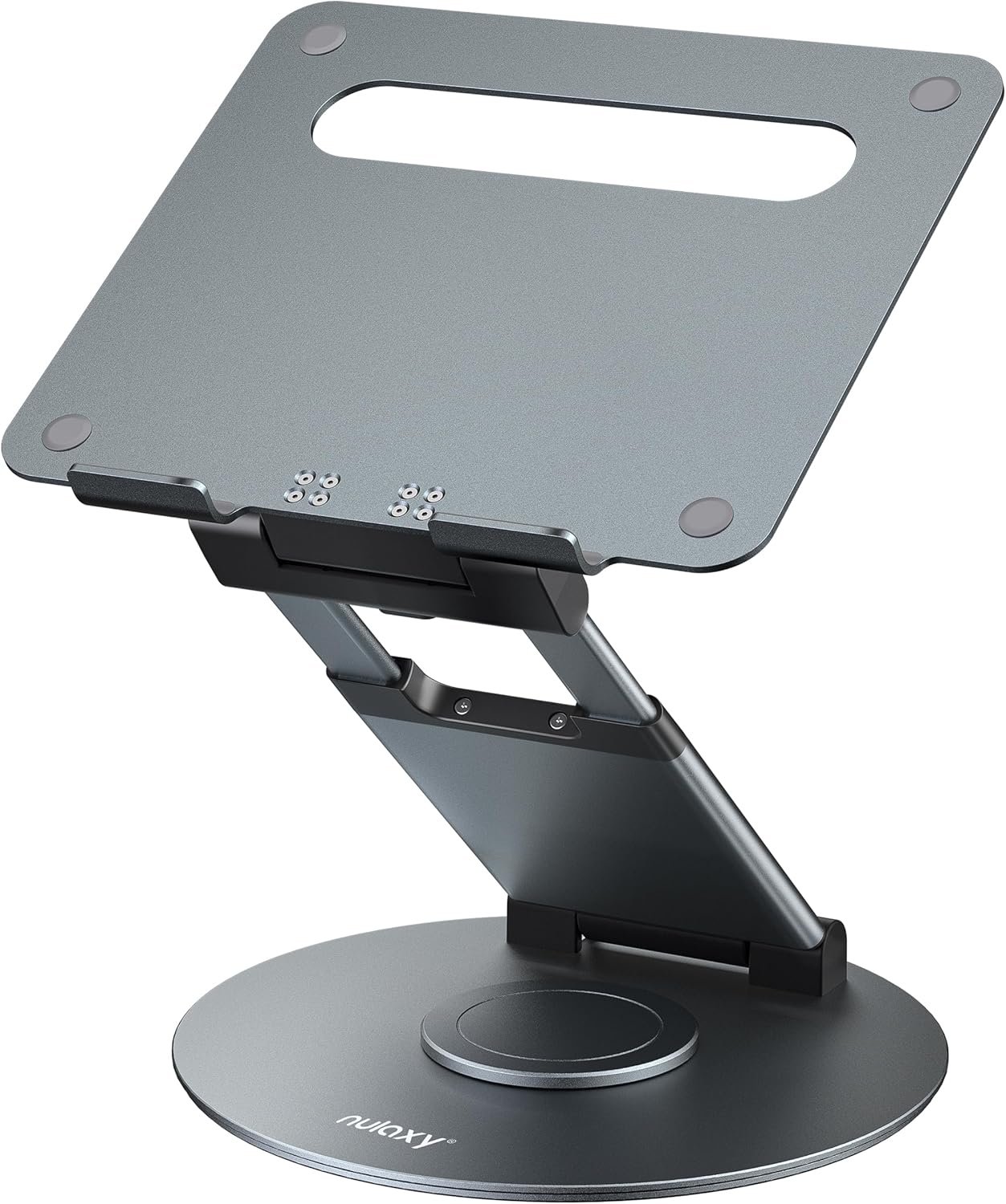
Nulaxy Telescopic Laptop Riser
If you work mostly on a laptop, you don't need a big converter at all. This telescoping riser lifts your screen up to 18" for standing work, tilts to kill glare, and even swivels 360° to share your screen — all in a footprint a fraction of a converter's. Perfect for the smallest desks, dorm rooms, or anyone who wants to stand occasionally without a major purchase.
What's Good
- Cheapest way to stand
- Tiny footprint, folds flat to stow
- Tilts and rotates for screen sharing
Watch Out
- Laptop only — no separate monitor
- Take the laptop off before adjusting height
- You use a laptop as your main screen
- Desk is very small (dorm, café)
- Budget is under $50
- You use an external monitor
- You stand for hours at a time
4. Electric Compact Converter — Most Effortless

Motorized Compact Converter
If you'll switch positions often, motorized lifting removes all the friction — press a button and it glides up or down, no lifting effort. Worth it for daily heavy use or if you have any wrist/back issues that make manual converters awkward. The splurge, but the nicest to live with.
What's Good
- Effortless button-press lifting
- Often has height presets
- Best for frequent switching
Watch Out
- Most expensive option
- Needs a power outlet
- You switch sit/stand multiple times daily
- Wrist or shoulder issues make manual awkward
- You want height memory presets
- You stand only occasionally
- No nearby outlet under the desk
5. Compact Tabletop Sit-Stand Desk — If You'd Rather Replace
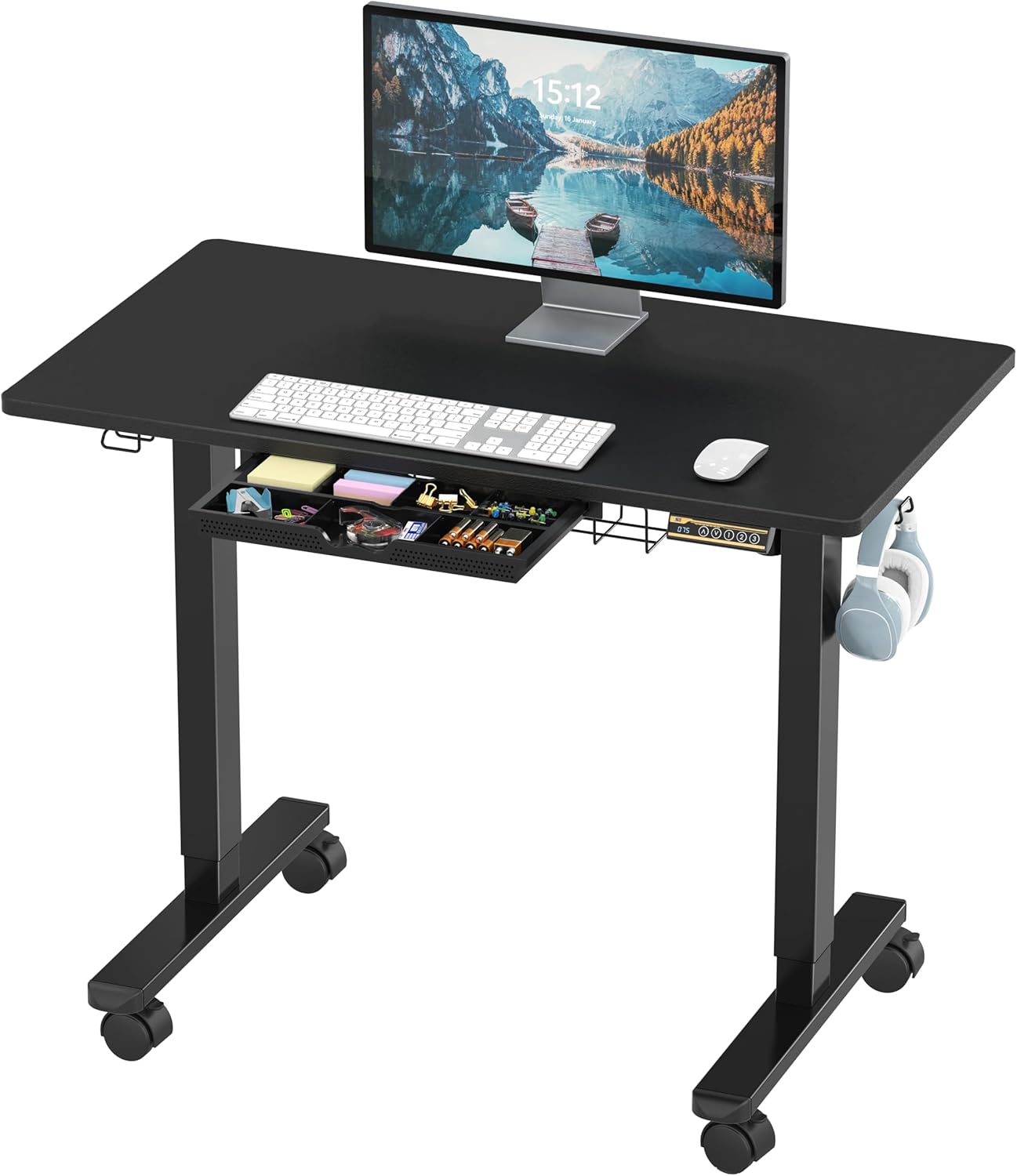
SHW 40-Inch Mobile Electric Sit-Stand Desk
Sometimes the smartest move on a small desk isn't a converter at all — it's swapping in a compact sit-stand desk with a narrow top. You get full standing capability with no converter eating your surface, in a footprint designed for tight rooms. Consider this if your current desk is on its last legs anyway.
What's Good
- No converter taking up surface
- Full sit-stand range
- Narrow tops made for small rooms
Watch Out
- Means replacing your desk
- Assembly required
- Current desk is worn out anyway
- You want maximum surface space
- You're setting up a new workspace
- You like your current desk
- You rent and can't bring in furniture
What to Look For in a Small-Space Converter
Footprint when lowered. The number that matters most. A converter sits on your desk all day, even when you're seated — measure how much surface it occupies in the down position, not just standing.
Lift style. Gas-spring/Z-lift designs are smooth and cheap; electric is effortless but pricier; flat risers are simplest. Match it to how often you'll actually switch.
Weight capacity. Make sure it comfortably holds your monitor(s) plus odds and ends. Most handle a single monitor easily; check specs for dual setups.
Keyboard height. Two-tier models keep your keyboard lower and more ergonomic; single-surface models are more compact but raise the keyboard. Trade-off worth deciding up front.
Frequently Asked Questions
Do standing desk converters work on small desks?
Yes, but footprint is everything. Choose a compact or single-tier model and measure your desk depth first — the common mistake is buying an oversized converter that overwhelms a small surface.
Converter or a whole standing desk?
A converter is cheaper and keeps your existing desk. A compact sit-stand desk costs more but frees your surface entirely. If your desk is fine, get a converter; if it's due for replacement anyway, consider the desk.
How much should I spend?
Manual compact converters run $80–160 and suit most people. Laptop risers start around $35; motorized models run $200+. Spend more only if you'll switch positions frequently.
The Bottom Line
For most small-desk setups, the VIVO 25" compact converter is the best balance of footprint, sturdiness, and ease. Tight on space or budget? The VIVO ultra-slim riser or Nulaxy laptop riser does the job for less. Measure your desk's depth before buying — that one number prevents almost every converter regret.